

Clips
Clips is for the one-off video someone sends you: paste a link from TikTok, Instagram, X, Reddit, Vimeo, or almost any other site, and watch it here instead of on a platform built to keep you scrolling. There’s no feed, no recommendations, and no account to sign into — just the clip you came for.
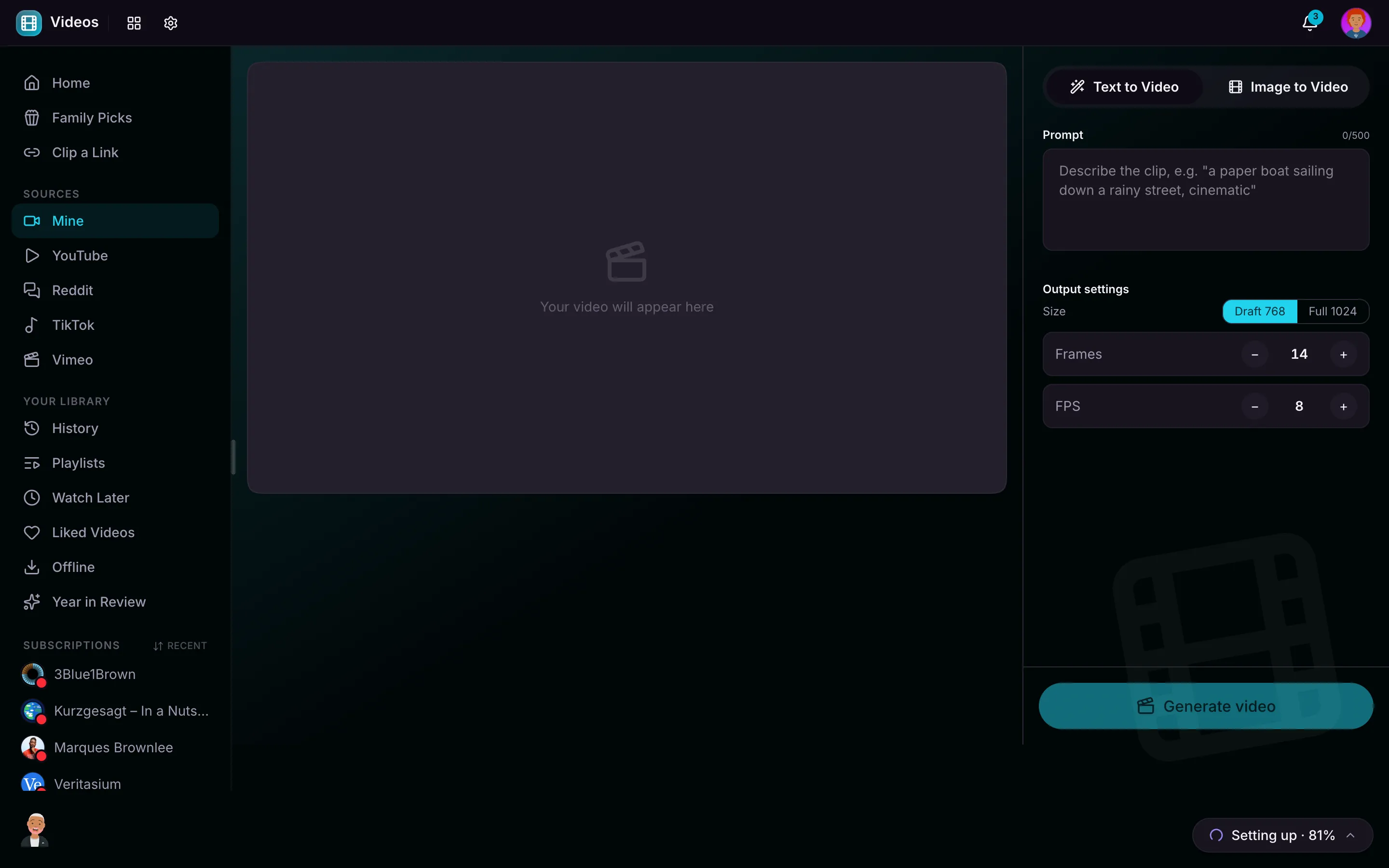
Watch or Save
Paste a video URL and MaiPai Home pulls it in. From there you can:
- Watch it now, right in the built-in player.
- Save it offline, so it lives on your server and plays even with no connection.
Some links can be played straight through; others can’t be streamed directly, and for those you simply save the clip first and then watch your own copy. Either way the video plays in a clean, quiet player — no autoplay-into-the-next-thing, no comments designed to bait a reaction.
Your Saved Clips
Everything you save lands in your Saved clips library, ready to watch again anytime. Because the file is on your own server, saved clips keep working when you’re offline, and nothing about what you watched is sent back to the site you got it from.
Why It’s Here
Sending a family member a link shouldn’t mean handing them over to an algorithm. Clips lets a grandparent or a kid open the exact video you meant for them, in a controlled space, without being pulled into an endless feed or profiled by the platform. You’re in control of what plays next: nothing.
A Note on the Internet
Fetching a new clip needs a connection, since the video comes from an outside site. Once you’ve saved a clip, it plays entirely from your own server, offline and ad-free.