

Welcome to MaiPai Home
Your family. Your data. Your rules.
Private. Protected. Yours.
MaiPai Home puts a full AI stack in your home and keeps it there. Your conversations, your generated images and video, your family’s data: all of it stays on your hardware and belongs to no one but you. No corporation is reading your chats. No third-party server holds your history. No far-away company deciding what your family can ask, watch, or make: parents set the house rules here.
When you want live information like movie showtimes, current events, or sports scores, the AI reaches out and fetches it. Everything else runs locally, with no internet required.
One server. The whole family. Zero subscriptions.
New here? Jump to Getting Started to install MaiPai Home on your server or log in for the first time.
Built for Families
MaiPai Home serves the whole household from a single server the admin controls. When your kids talk to a cloud AI, those conversations are stored on corporate servers, where they can be breached, subpoenaed, sold to data brokers, or used to build profiles that predators, stalkers, and scammers can exploit.
MaiPai Home keeps all of that at home:
- Per-user accounts with PIN login, so each family member has their own profile, memory, and preferences
- Adult content is PIN-gated and restricted by default: a time-limited unlock for adults, invisible to kids
- Per-user feature access: the admin decides which features each person can see and use
- Content filtering per user, keeping responses family-friendly across chat, images, and video
- No data collection, no ads, no tracking: nothing your family says is harvested, profiled, or sold
See Privacy & Content Controls for how the safeguards work day to day.
Say What You Want. Generate What You Want.
Cloud AI tells you what you can and cannot ask. Topics get blocked, images get refused, answers get quietly softened, and you never quite know what you’re not being told.
MaiPai Home runs open-weight models on your own hardware with no content filters between you and the model. Adults get full, unrestricted access. Kids get the experience you configure, because you set the rules, not a corporation.
Your Companion Is Yours
Most AI companion apps are designed to hook you, flattering you, creating dependency, nudging you to spend more time and money. MaiPai Home’s companions are different. You configure the name, personality, voice, and look, and the companion comes to life as an animated avatar that breathes, reacts, and lip-syncs as it speaks. There’s no company pushing an agenda, no subscription to keep your companion “alive,” and no risk it gets updated into something creepy. It runs on your hardware and stays exactly the way you set it up.
Works When the Internet Doesn’t
Everything that can run locally does. Chat, image and video generation, voice, maps, and reference/book downloads all work with no connection at all. Cloud AI is a surveillance surface and a single point of failure; MaiPai Home keeps running when the internet is down, when services are disrupted, or when you simply don’t trust what’s happening out there.
What You Can Do
- Chat with a local AI that remembers you and can look things up, check the weather, and more, without your words leaving the house
- Generate images and video using Stable Diffusion: no refusals, no restrictions for adults
- Talk hands-free with a wakeword: speech recognition and speech all run on your machine
- Meet your companion: a buddy with its own personality, voice, and animated avatar that lives alongside you in the app
- Dock it on your desktop: MaiPai Desktop, the desktop app for Mac and Windows, pins your companion to the top of your screen with the wake word armed
- Write and edit with Canvas: an editable side pane your companion writes code, documents, and HTML into, live
- Read and listen to books: a storefront of ebooks and audiobooks, offline downloads, and an AI tool that can draft an original book with you
- Look things up offline: full Wikipedia, a dictionary, medical references, and more, no internet required
- Navigate offline: maps with turn-by-turn routing, no data plan needed
- Track your home: appliances, devices, service history, and warranty alerts
- Control your home: turn off the lights, lock the door, or set a room’s brightness by just asking, through your own Home Assistant
- Watch videos privately: YouTube, TikTok, Vimeo, Reddit, and your own clips in one app, with nothing phoning home and a personal offline library
- Make podcasts: turn an article or video into an AI-generated audio show in voices you choose
- Generate music: render tracks and stingers entirely offline in the browser
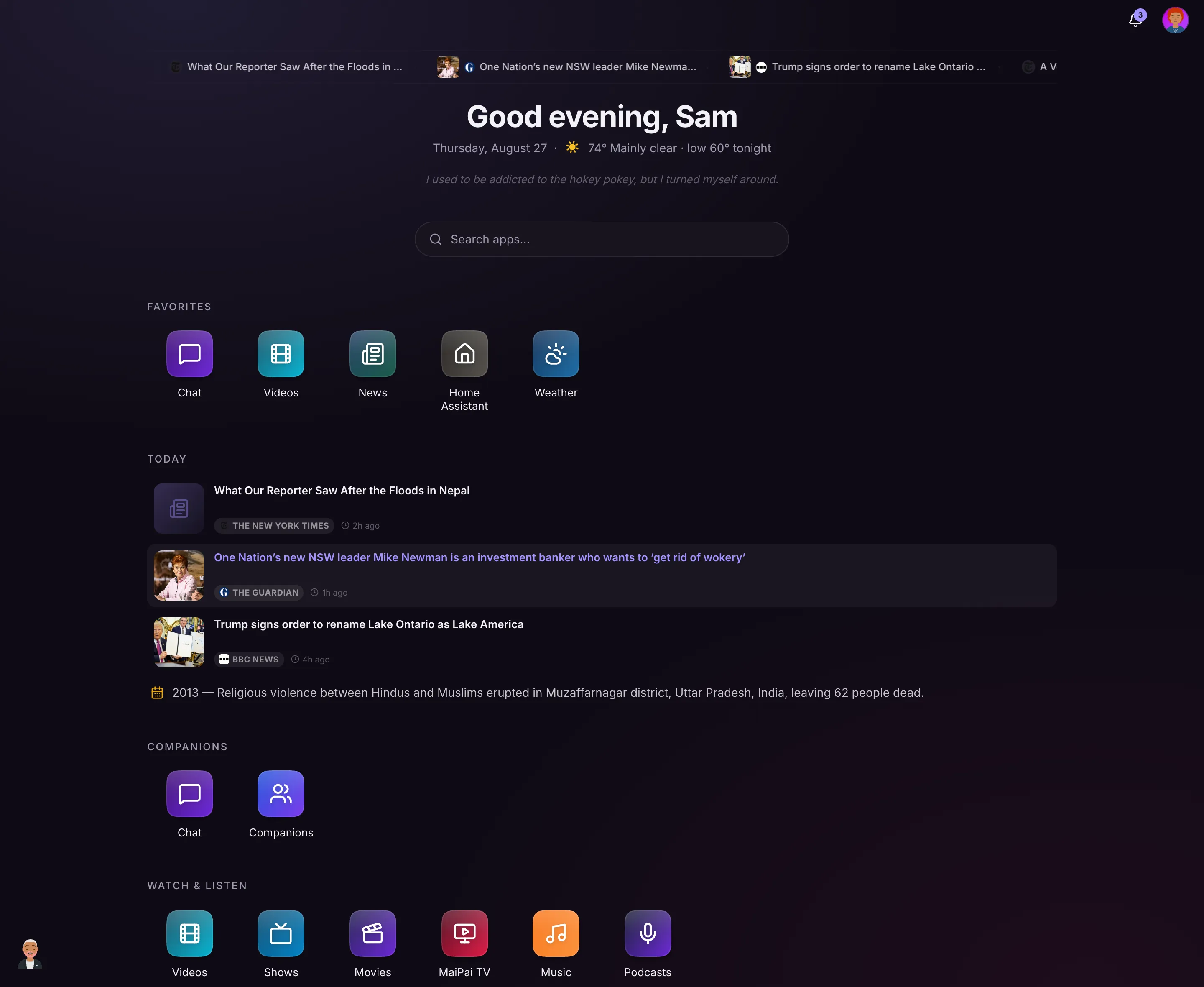
- Open the Today dashboard: news, sports, weather, on-this-day history, holidays, and local events in one place
- Track prices: watch products across Amazon, Walmart, Target, and more, with price-drop alerts, a deals feed, and coupons
- Code with an AI agent: a real terminal running Claude Code in your own sandboxed workspace
- Add and remove apps: the admin installs exactly the apps your household wants, with install-time disclosure instead of hidden data collection
Getting Started
Head to Getting Started to log in, set up your account, and explore the app.