

News
News is your private news reader. It pulls together global headlines, local stories, and any RSS feeds you follow, and organizes everything into tabs you control. Nothing tracks what you read, and there’s no algorithm deciding what you see.
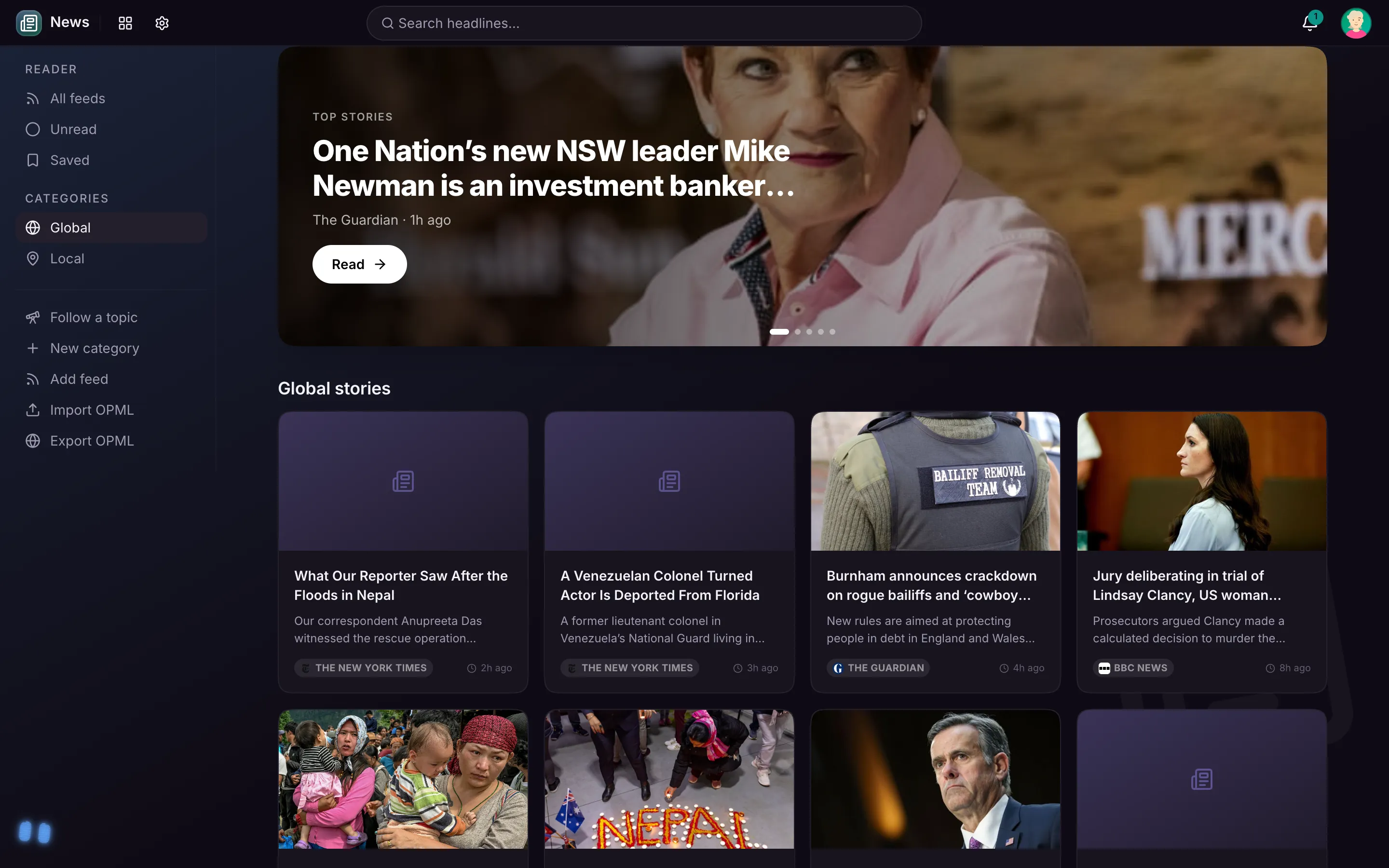
The front page
News opens on a front page, not a firehose: the biggest stories rotate up top, and below them each of your categories gets its own short row of top stories with a “See all” link, the way a good homepage should. Pick a category in the sidebar to see everything in it.
Categories
The sidebar lists your categories:
- Global and Local are built in: a broad world feed and stories near you. Local follows you, too: away from home with your phone, the tab covers the town you are actually in, and it switches back the moment you are home.
- Your admin can add shared categories that show up for everyone in the home.
- You can add your own personal categories from any RSS feed.
Don’t care about a category? Hide it, and it drops out of your tabs without affecting anyone else.
Follow any topic
Tap Follow a topic in the sidebar and type anything: a team, your town, a hobby, a person in the news. It becomes a category of its own that stays filled with the latest stories about it. No feed addresses needed.
Adding your own feeds
Paste the address of any blog or site that publishes an RSS feed and News starts pulling its latest stories into a category of your choosing. Your personal feeds are private to you. At the bottom of each category page, a Sources row shows the publications it draws from, with links to their sites.
Reading
Tap any story to open it in a clean reading view: the story’s photo up top, then just the text and images, matched to your light or dark theme, with a link out to the original site. A short AI summary sits alongside, and tapping any summary line jumps you to that part of the story.
Under the headline, a row of buttons does the rest:
- Read to me reads the story aloud, with pause and resume.
- Ask MaiPai about this hands the article to your companion so you can ask questions about it.
- Save files the story in your Bookmarks.
- Send drops it onto another of your devices, so you can finish reading on the tablet what you found on the desktop.
- The Aa button up top makes the text bigger or smaller, and the app remembers your choice on that device.
Today dashboard
The same news powers the News widget on your Today dashboard, alongside weather, sports, on-this-day history, and more: a quick glance at the day without opening the full app.
Your privacy
Feeds are fetched by your own server and the list of what you follow and read stays in your account. No accounts, no trackers, no recommendation engine.